Rapid Data Access: Patient Mobile Journey
Follow these 4 key interactions to efficiently navigate your personal data and health records within the mobile app.
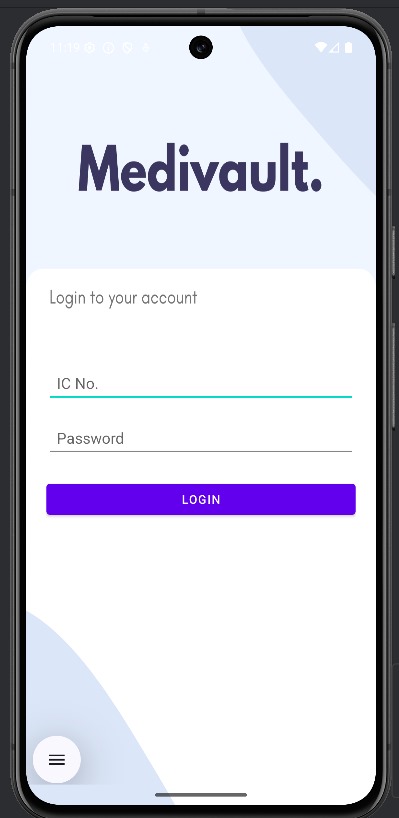
1 Secure Log-In
Launch the app and use your IC number and password(provide by admin) to authenticate quickly and securely.
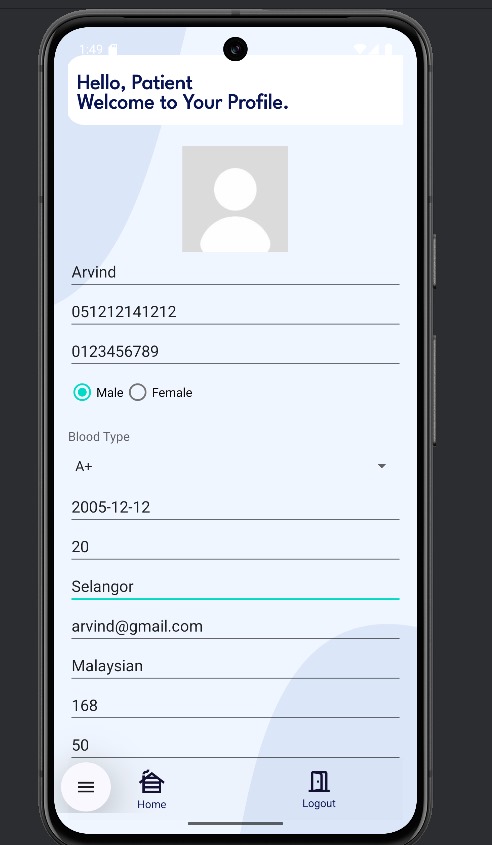
2 Patient Profile
Click on My Profile to update your personal information that can only view from authorized personnel.
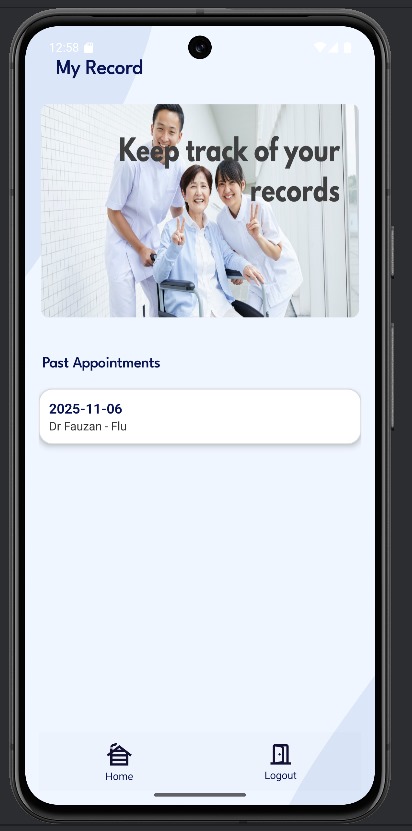
3 Patient Records
This screen is used to view the patient's historical records and Past Appointments. It is primarily a read-only log of previous visits, treatments, and diagnoses.
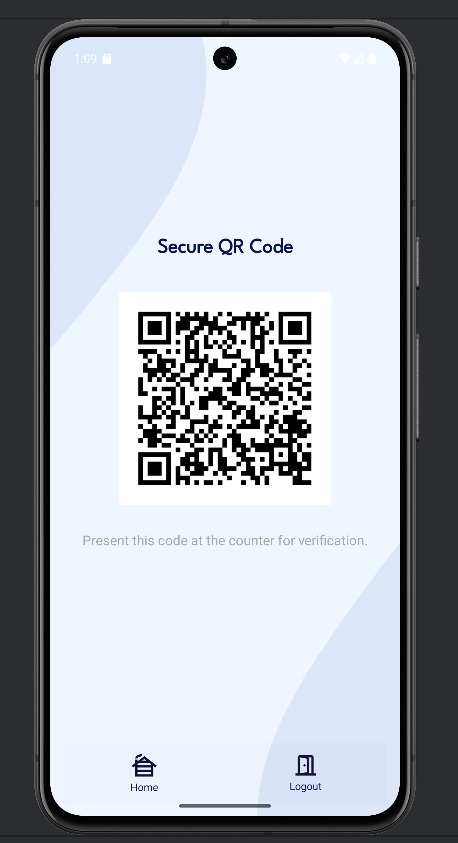
4 QR Code
To access the secure QR code, the user must first enter a PIN for an added layer of security.